End work
on your terms.
Define the work rhythm that fits your life — not only a standard job. When it ends, Curfew enforces a device-level stop: warnings, then an overlay, then an optional shutdown. No willpower required.
How it works
Set your work rhythm
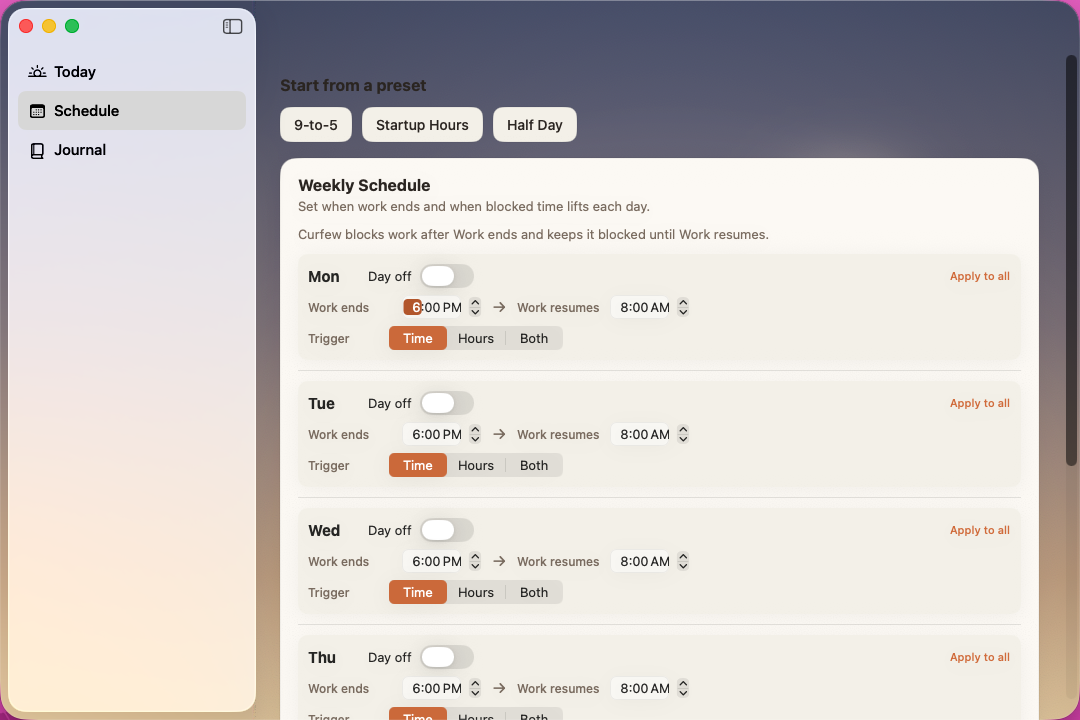
Choose per-day work-end and resume times, days off, or hours-based work modes, with editable presets to start. Weaker changes wait out a cooldown so late-night you can't rewrite early-morning you's rules.
Warnings arrive
Notifications at T-30, T-15, T-5, T-2, T-1. Click-through dim overlays for the early stages, an always-on-top timer for the last five minutes.
Curfew fires
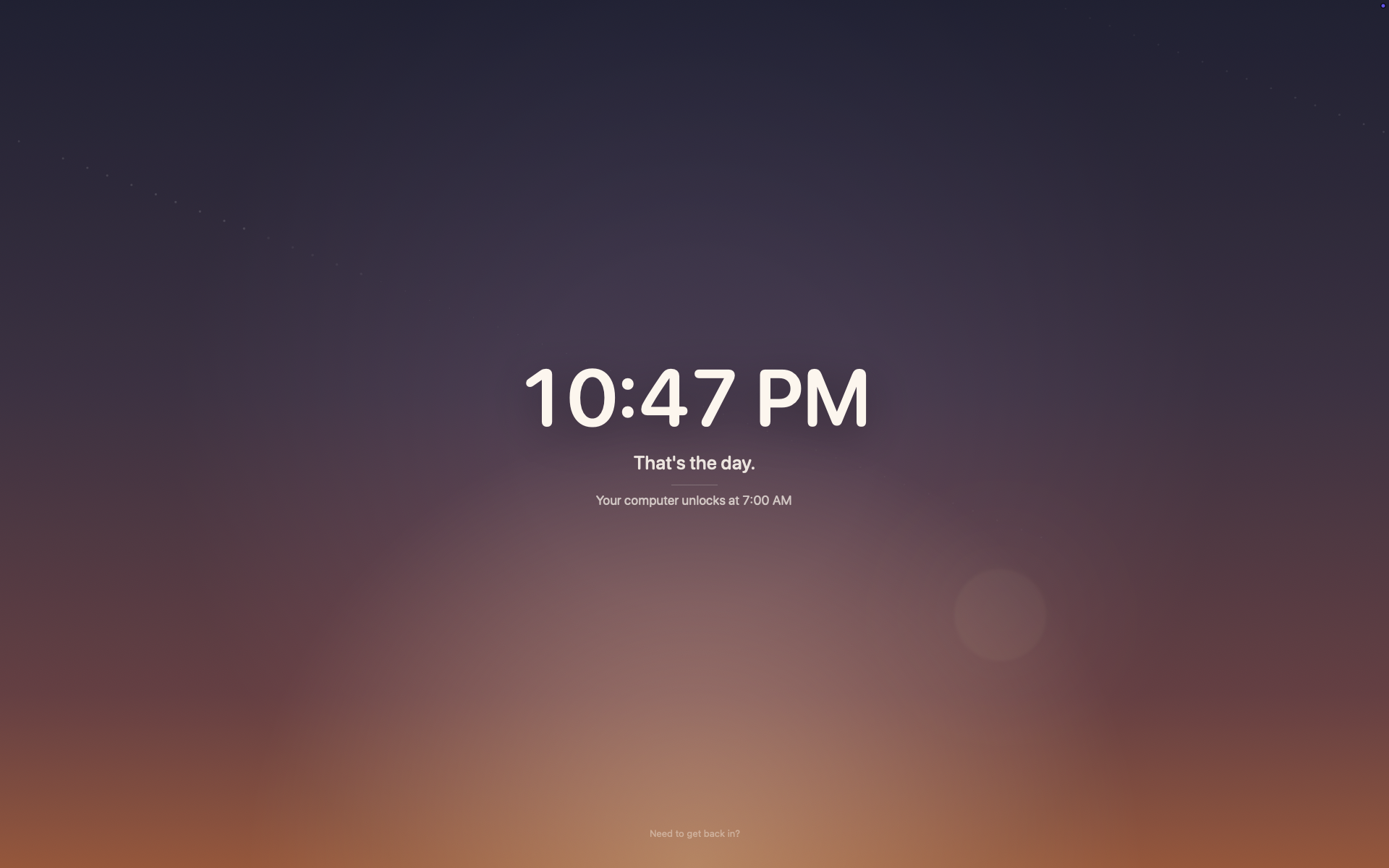
Full-screen overlay covers every display and every Space. ⌘⇥, ⌘Q, and ⌘⌥Esc are intercepted. Optional auto-shutdown closes your apps and powers the machine down.
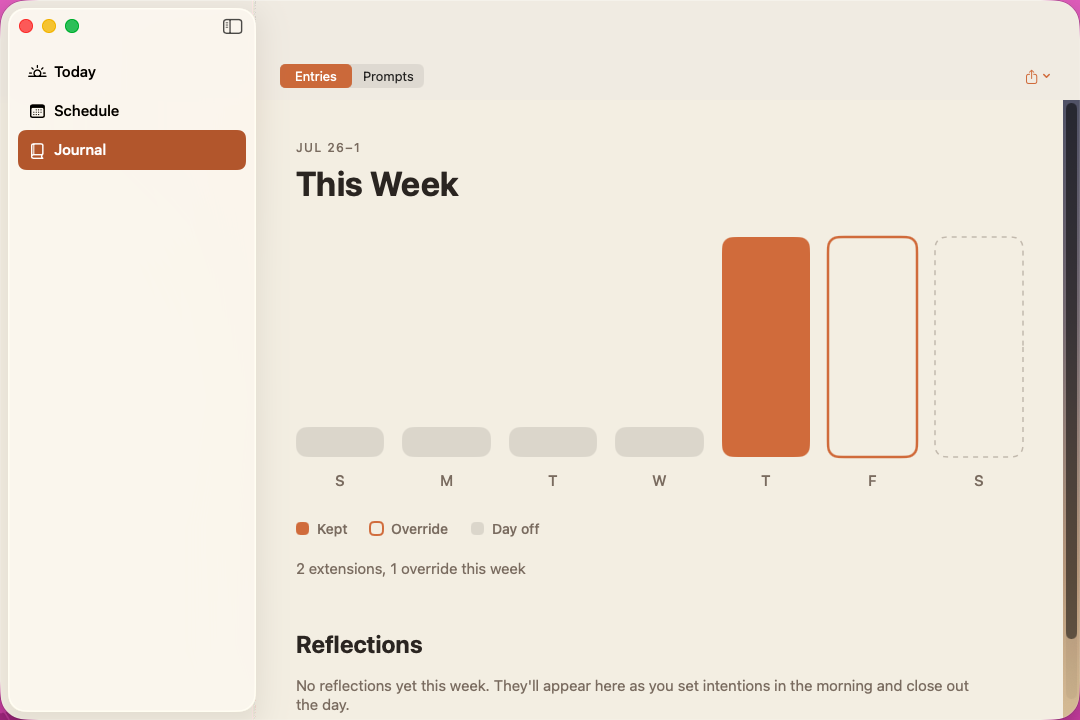
Need to get back in? A typed justification, a five-minute cooldown, and hold-to-confirm — overrides cost something deliberate. Weekly budgets for extensions and overrides are visible in the menu bar; the This Week view shows what actually happened.
Honest about what it is: Curfew is a commitment device, not a kernel-level lock. Someone determined enough — a terminal, another user account, a reboot — can still get around it. The point isn't to make that impossible; it's to make stopping the easy default, so most nights you just close the laptop.
Bookend the day with a moment of reflection.
Curfew doesn't just stop the day — it frames it. A short prompt at sunrise to set your intent, and a quiet retrospective at sundown, right on the lockout screen. Sunsama's reflection ritual, built into the same full-screen moments you already pass through.
Set your intent at sunrise
The day's first session opens with a brief full-screen prompt. Ask yourself anything — free text, a 1–N rating, a quick mood. Always skippable; it owns the screen, never traps you.
Close the day at sundown
When curfew fires, the lockout screen invites a retrospective before you step away. Write what got done, what's carried forward, rate the day. Skip it and the clock still runs.
Keep the thread
A private Journal charts your ratings across the week and keeps every entry. Export to Markdown or JSON, or let your AI assistant read it back — all of it stays on your Mac.
The questions are yours: edit, reorder, and choose each answer's type in Settings. This is the first of Hypertext Studio's reflection gates — the third horizon, arriving early.
Your AI can work with your boundaries — on your approval.
curfew-mcp is a stdio MCP server bundled with the app.
Add it to Claude Desktop and your assistant can check how much time
is left, request an extension, or read back your daily reflections to
help you review the week. Any requested change requires your explicit
approval through an in-app consent sheet. Reflections are read-only,
user-controlled, and remain on your Mac.
{
"mcpServers": {
"curfew": {
"command": "/Applications/Curfew.app/Contents/Resources/curfew-mcp"
}
}
}
$ curfew-ctl status
phase: warning
remaining: 14 min
locks at: 6:00 PM
warning: T-15
A matching CLI (curfew-ctl) ships in the app bundle for
shell scripts and dotfile hooks — same shared storage, no IPC
dance, works whether the app is running or not.
Curfew Pro is not on sale yet.
iCloud sync, calendar-aware warnings, and the status widget remain disabled until their production Apple provisioning and signed-release validation are complete. We will not sell access to features that have not passed those checks.
Purchase will open only after the production license service and checkout flow have been verified end to end.
Download
Requires macOS 26 or later. Free, open source (MIT).
Download latest DMGSigned & notarized Developer ID build · source on GitHub · no telemetry, no analytics, no network calls except iCloud sync (Pro, opt-in).
Or build from source:
git clone github.com/TheHypertextStudio/curfew && open Curfew.xcodeproj